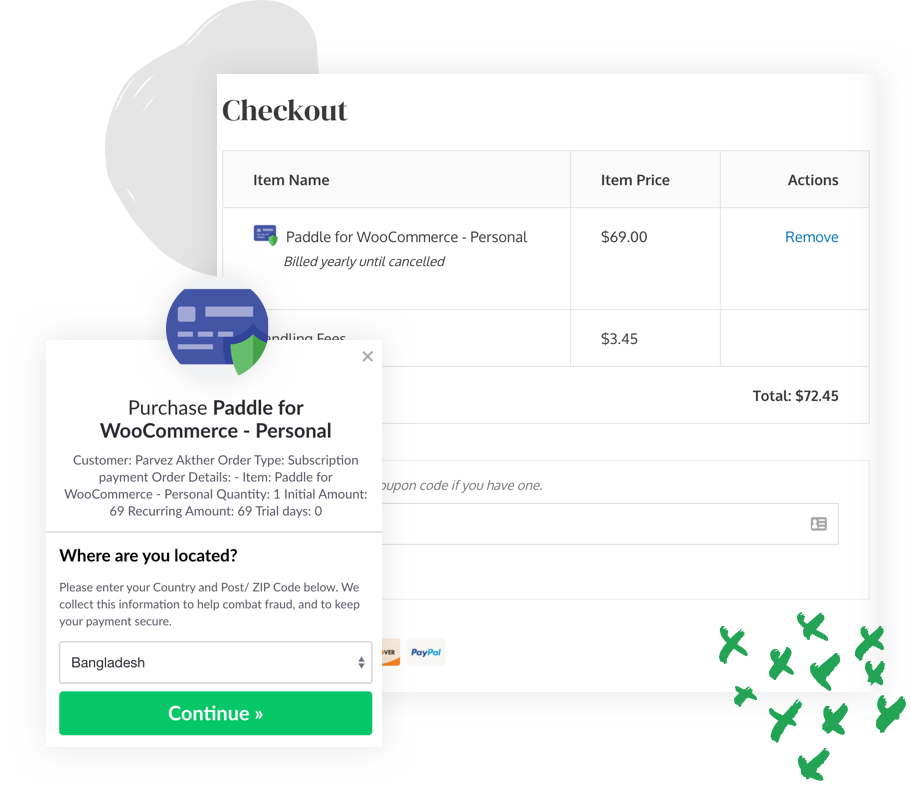
Paddle gateway connected to WooCommerce
Explain how customers can pay with Paddle while your store, products, and fulfillment stay managed from WooCommerce.

A Paddle-inspired WooCommerce product page is built right into the theme.
Launch a polished product page for themes, plugins, and SaaS tools with Paddle-style billing, recurring payments, refunds, and software-store messaging already mapped into the theme.
Highlight recurring billing, tax handling, refunds, and product sync in a conversion-first layout inspired by leading WordPress software stores.
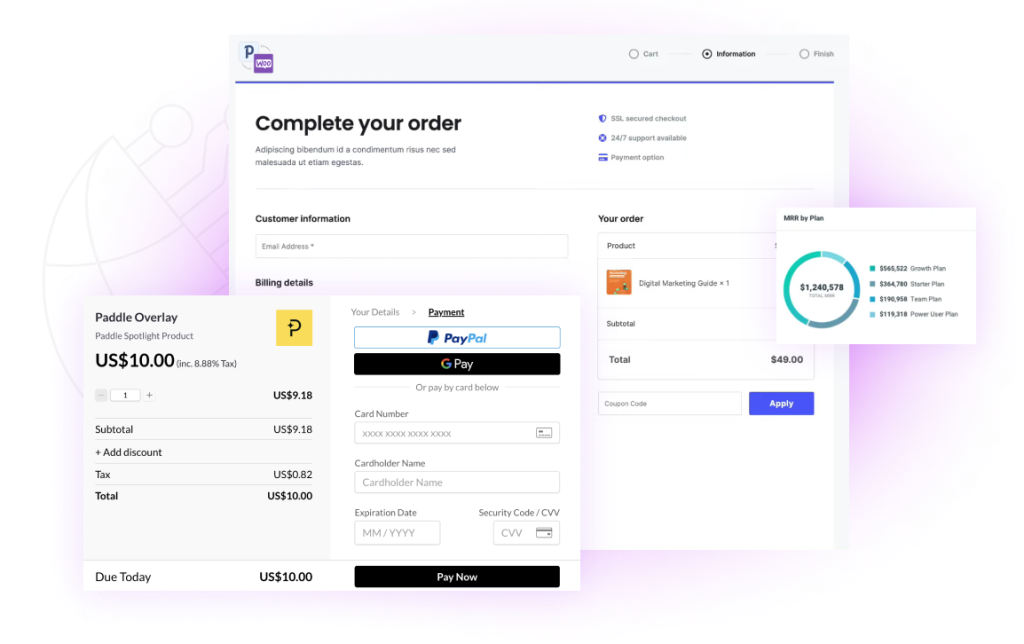
Built for plugin stores, digital product teams, SaaS founders, and WooCommerce software businesses.
Use the built-in sections to position your payment gateway, explain billing flows, and show why customers should trust your software store.
Use a long-form feature section to explain Paddle billing, recurring plans, local taxes, refunds, and the exact experience customers get inside your store.
Move users through a familiar software-product rhythm: hero, trust, billing benefits, plan comparison, lifetime upsell, FAQ, and support CTA.
The page can answer common pre-sales questions while pointing buyers to docs and support resources that reduce hesitation.
Explain how customers can pay with Paddle while your store, products, and fulfillment stay managed from WooCommerce.
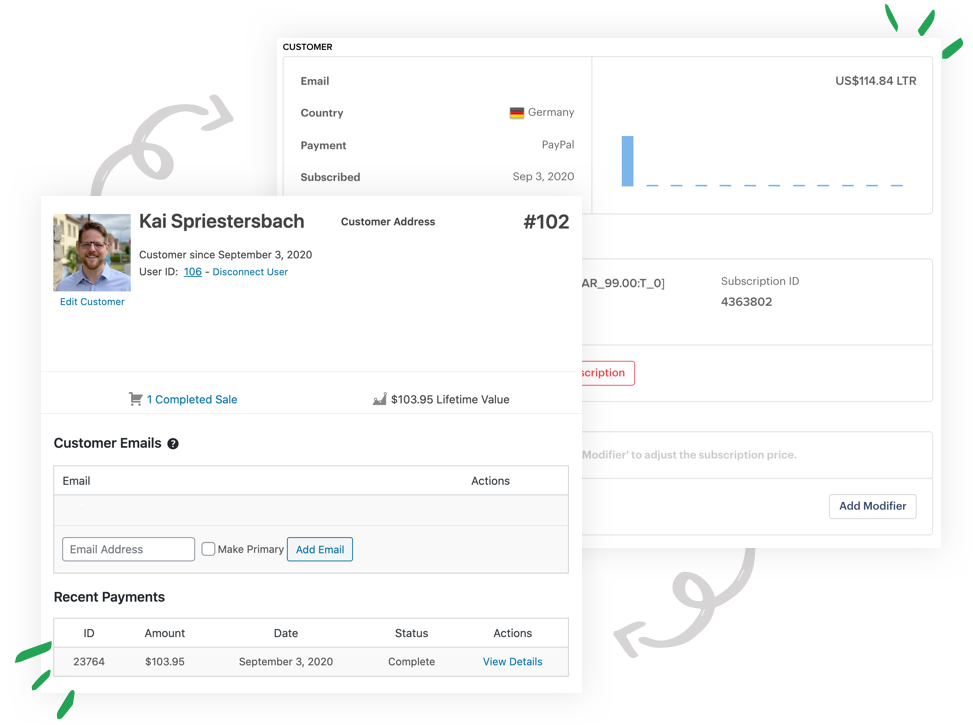
Use polished visuals to talk through recurring revenue, renewals, refunds, invoices, and software billing confidence.
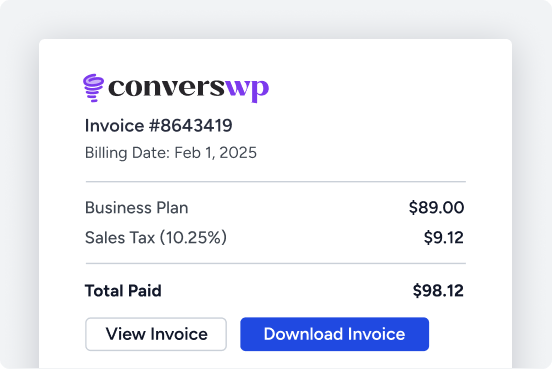
Show buyers how renewals, plan changes, customer communication, and support automation work after purchase.
Explain recurring billing in clear language buyers understand immediately.
Show how store admins and customers handle refunds with less confusion.
Keep billing reassurance visible for software teams selling globally.
Present how products, plans, and billing logic stay aligned in WooCommerce.
Use polished copy around renewals, access, downloads, and customer accounts.
Pair the sales page with setup guides, FAQs, and troubleshooting docs.
Show your core plugin plans first, then close with lifetime or bundle offers for higher-value buyers.
Best for small software shops that want Paddle billing inside WooCommerce.
A stronger fit for stores handling more products, billing flows, and automation.
Built for software businesses that need the complete billing and growth toolkit.
Use the pricing toggle to present annual plans first and then shift buyers into lifetime or bundle offers.
One-time payment
Refund-friendly positioning
This section gives you space for a founder note, guarantee, or support promise so customers feel safe choosing a billing workflow for their store.



The layout let us explain Paddle billing clearly without hiring a separate landing-page designer. It feels close to a premium plugin sales page right out of the box.
Malik
Founder
The layout let us explain Paddle billing clearly without hiring a separate landing-page designer. It feels close to a premium plugin sales page right out of the box.
Sana Abbas
Founder, PluginNest
We needed a product page that could justify pricing, show billing features, and still link people into docs. This theme handled all of it.
Haris Khan
Product Lead, CheckoutStack
Being able to move from annual plans into bundle and guarantee sections on the same page made the sales flow much stronger for our software store.
Noah Reed
Growth Manager, SaaS Market Co.
Yes. The homepage structure is designed for software and plugin stores that need billing explanations, trust sections, pricing tables, and checkout-focused CTAs.
Yes. The front page now includes a real content area for Elementor, and the included full-width template gives you a clean builder canvas when you want one.
Update the plan labels in the Customizer or override the pricing arrays in code. The page is already structured for annual plans, lifetime plans, and bundle-style offers.
Yes. Even though the default messaging is optimized for software payments and Paddle-style billing, the layout also works well for other digital products.
Keep the built-in conversion layout or replace individual sections in Elementor while the theme keeps WooCommerce, docs, blog, and account templates aligned.